
Free presentation
Remote Proctoring to Manage Secure Online Exams
A presentation on monitoring exams in real time with live chat, secure browsers and remote invigilation, and practices for managing proctored sessions.
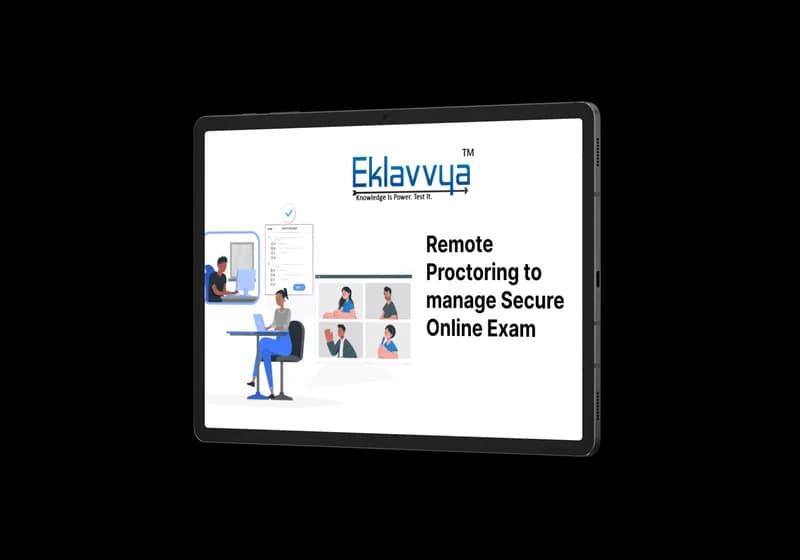
Written for controllers of examination and exam security teams
Explore the detailed guide about
Remote Proctoring to Manage Secure Online Exam
What is inside
Managing a proctored exam in real time means more than watching a video feed: invigilators need a way to communicate with candidates, lock down the testing browser, and respond to issues as they happen. This presentation covers those pieces together.
What this guide covers
- Monitoring and controlling exams in real time during the session
- Using live chat between invigilators and candidates during an exam
- Secure browser lockdown to limit what a candidate can access mid-exam
- Practices for managing a session once remote proctoring is in place
Who it is for
Controllers of examination and exam security teams responsible for running proctored sessions rather than only selecting the proctoring tool.
The presentation is oriented toward what happens during the exam itself — communication, lockdown and monitoring — as distinct from the setup and identity-verification steps that happen before it starts.
- Free to download
- No obligation
- Your details stay with us
Would you rather see it running than read about it?
We will walk you through proctoring, evaluation and verification on your own exam setup.
Or call +91 95525 86428